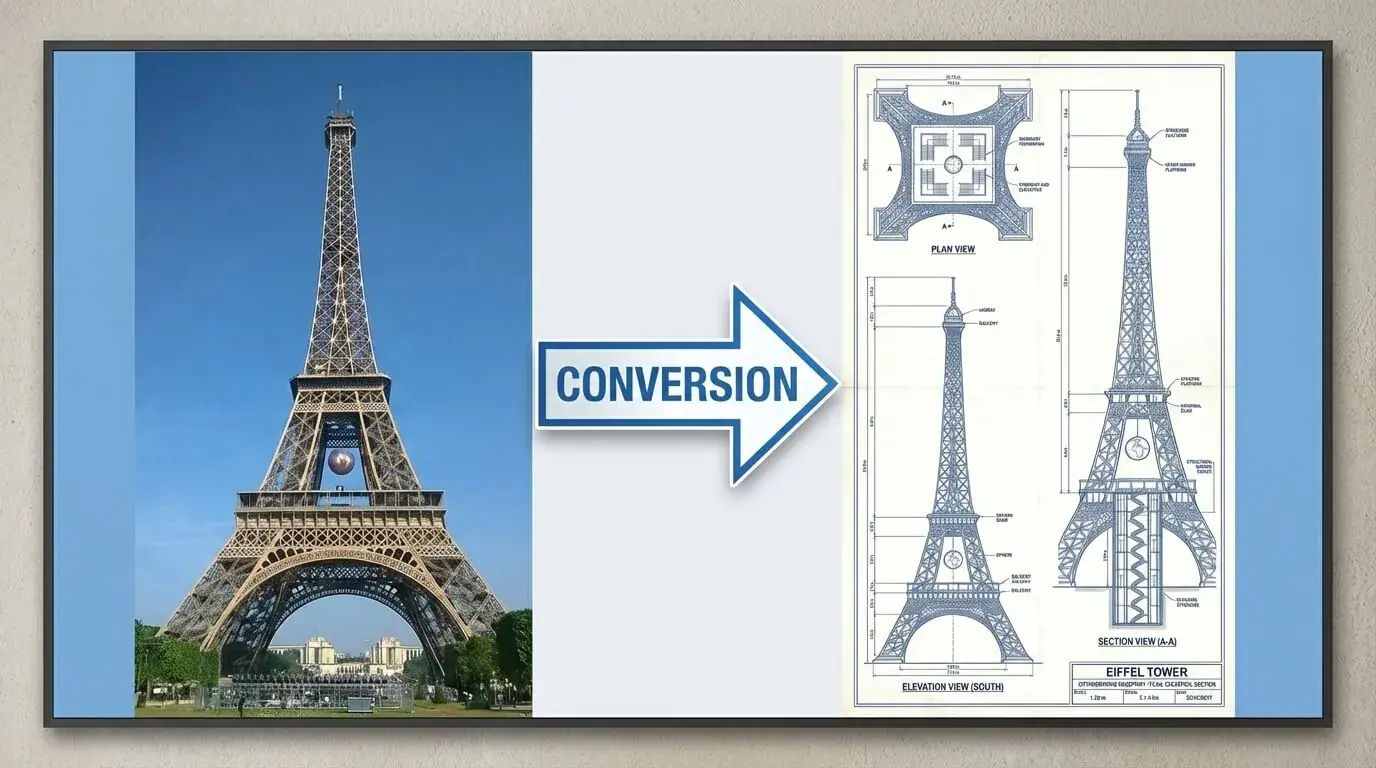
GPT Image 2 — AI Image Generator & EditorBy OpenAI
Type a prompt or upload a photo — our GPT Image 2 generator delivers photorealistic 4K images with accurate text rendering in seconds.
Try GPT Image 2 FreeCreated with GPT Image 2
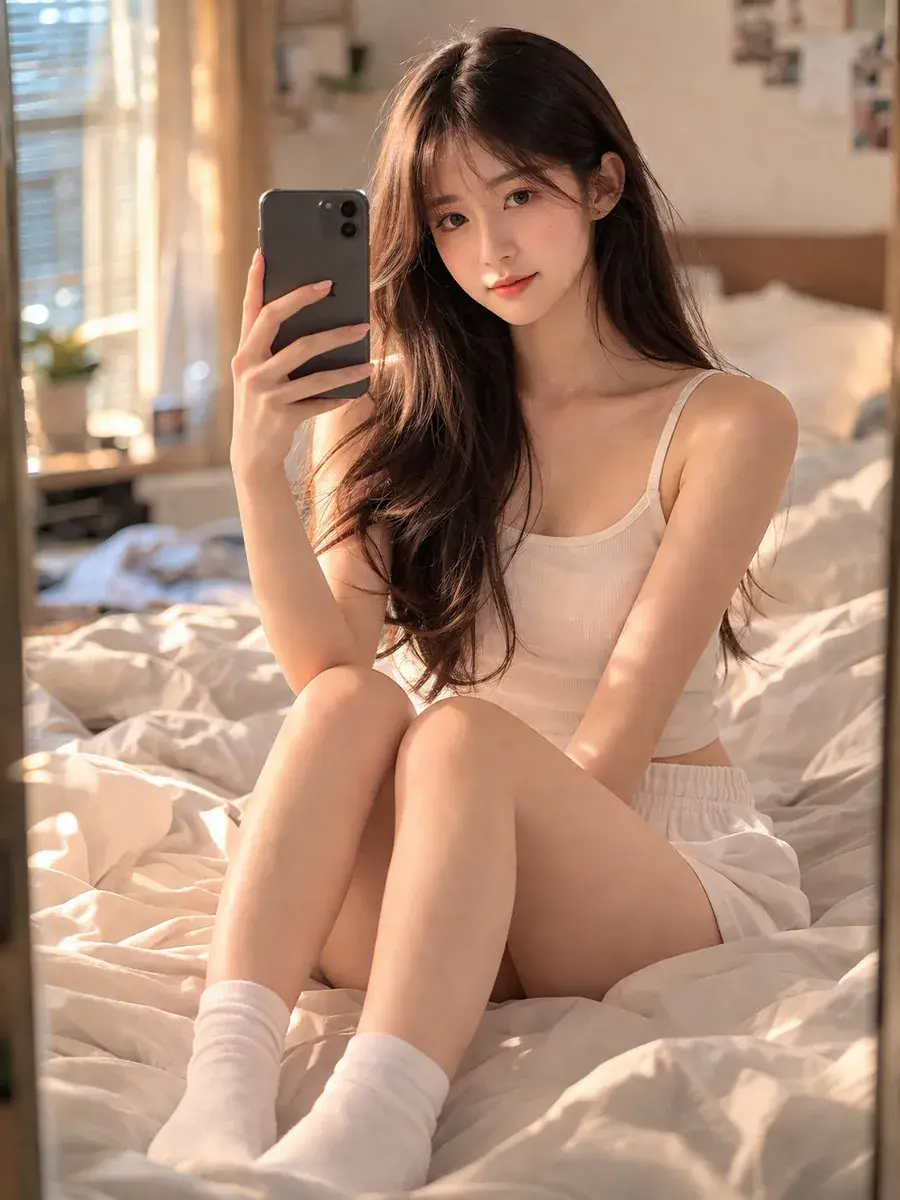
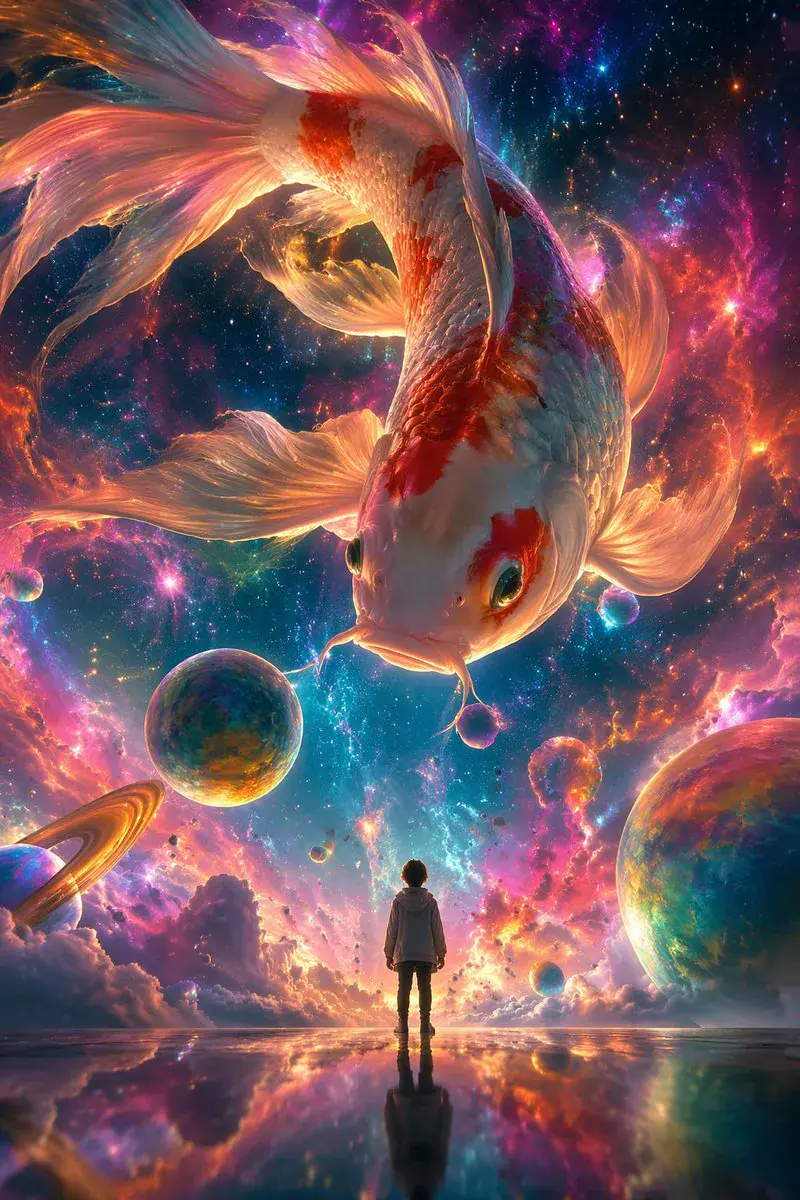
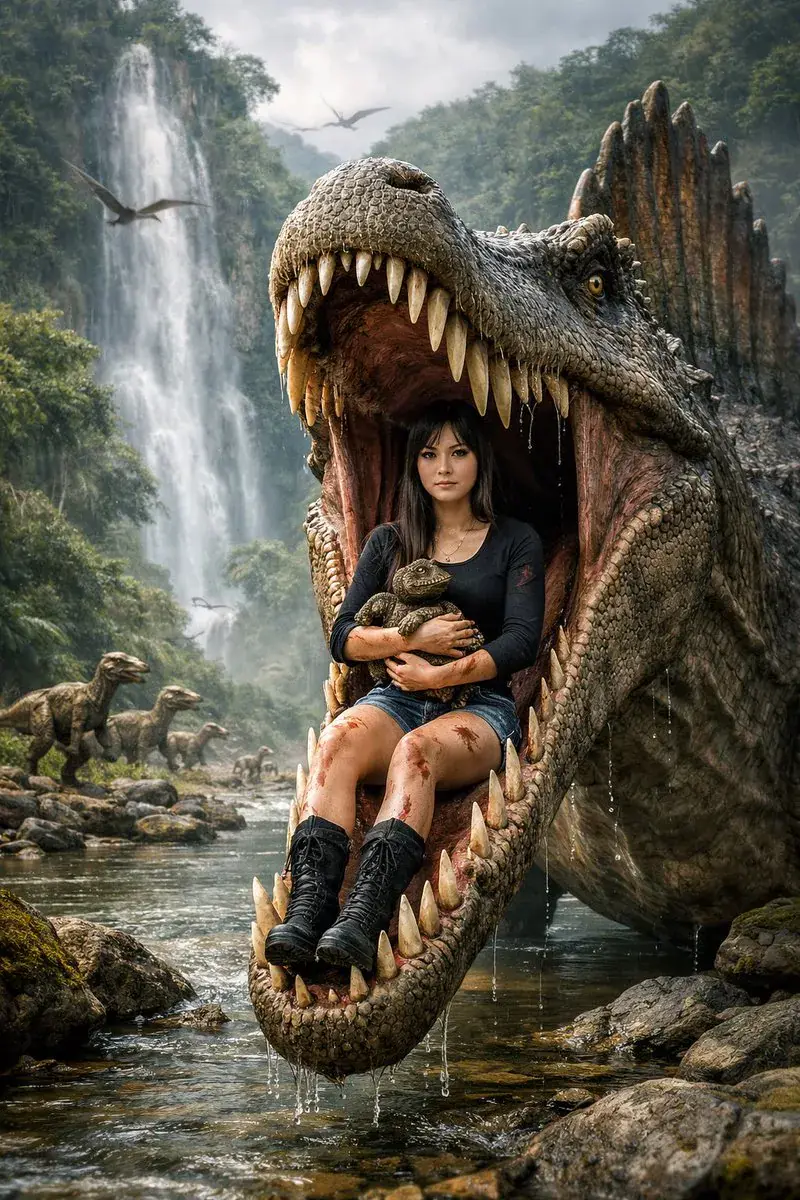
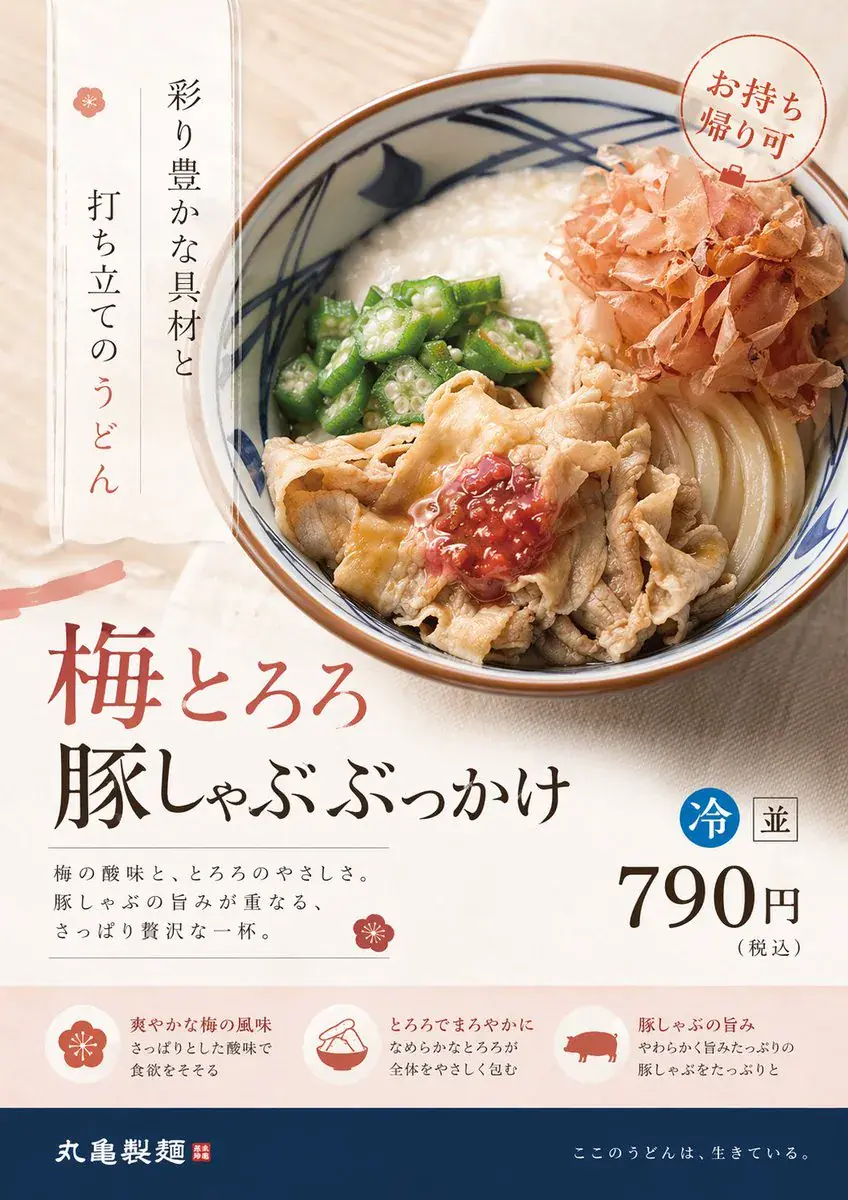
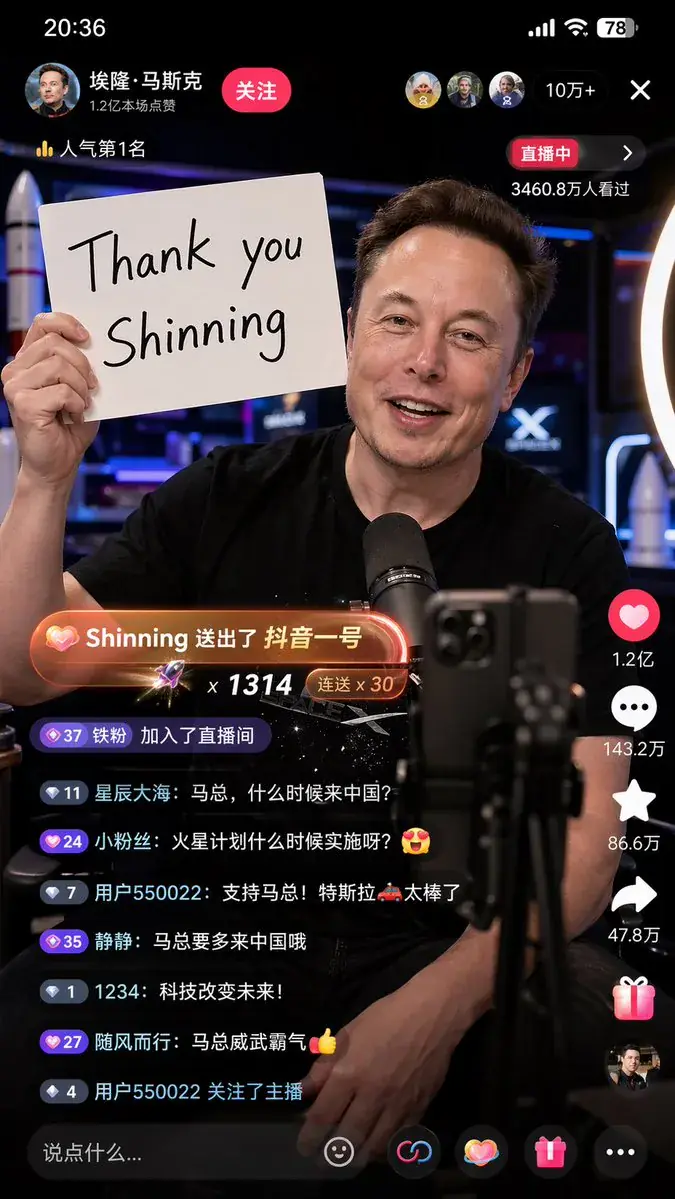
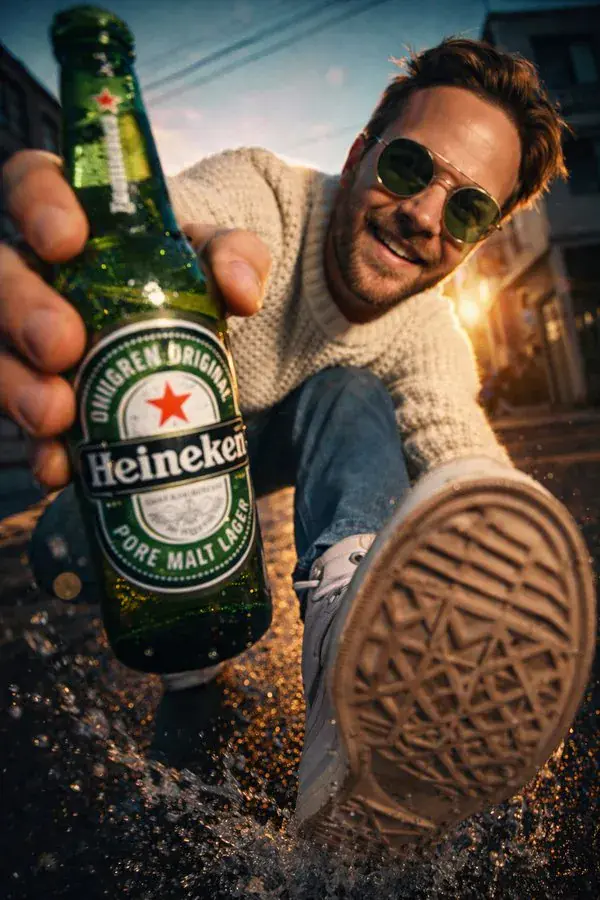
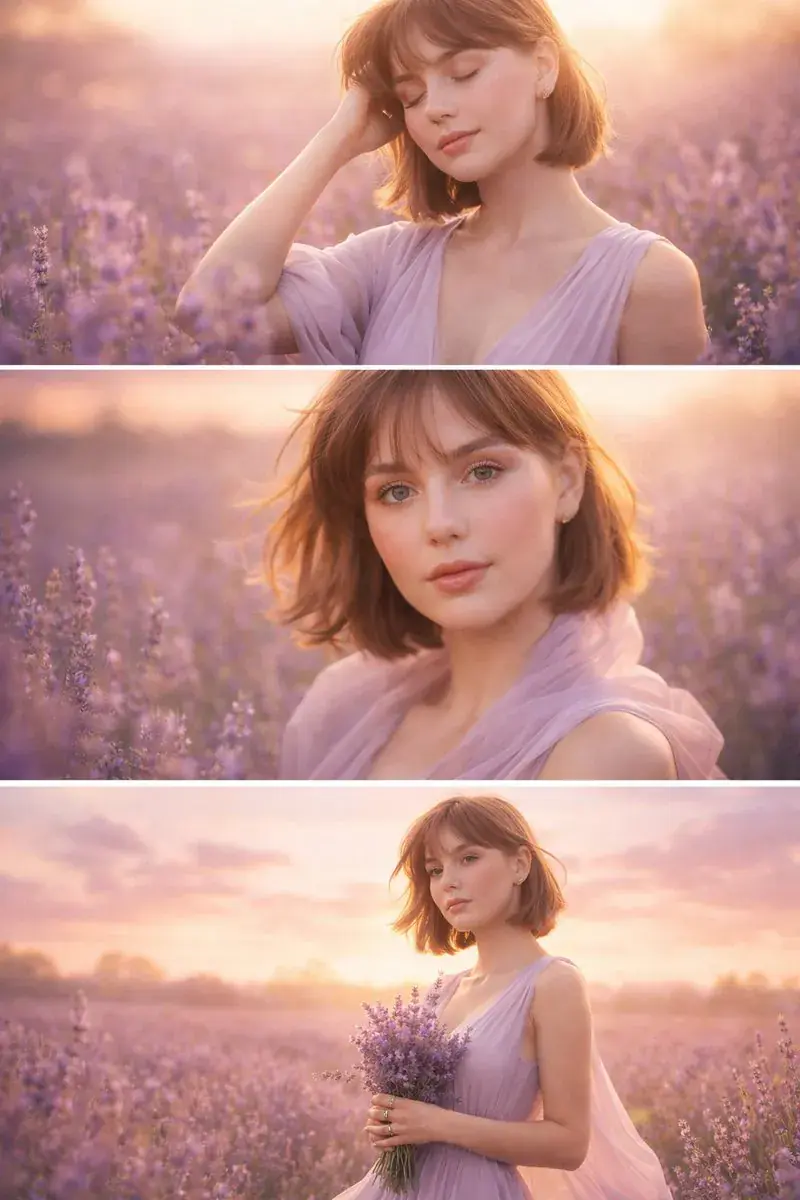
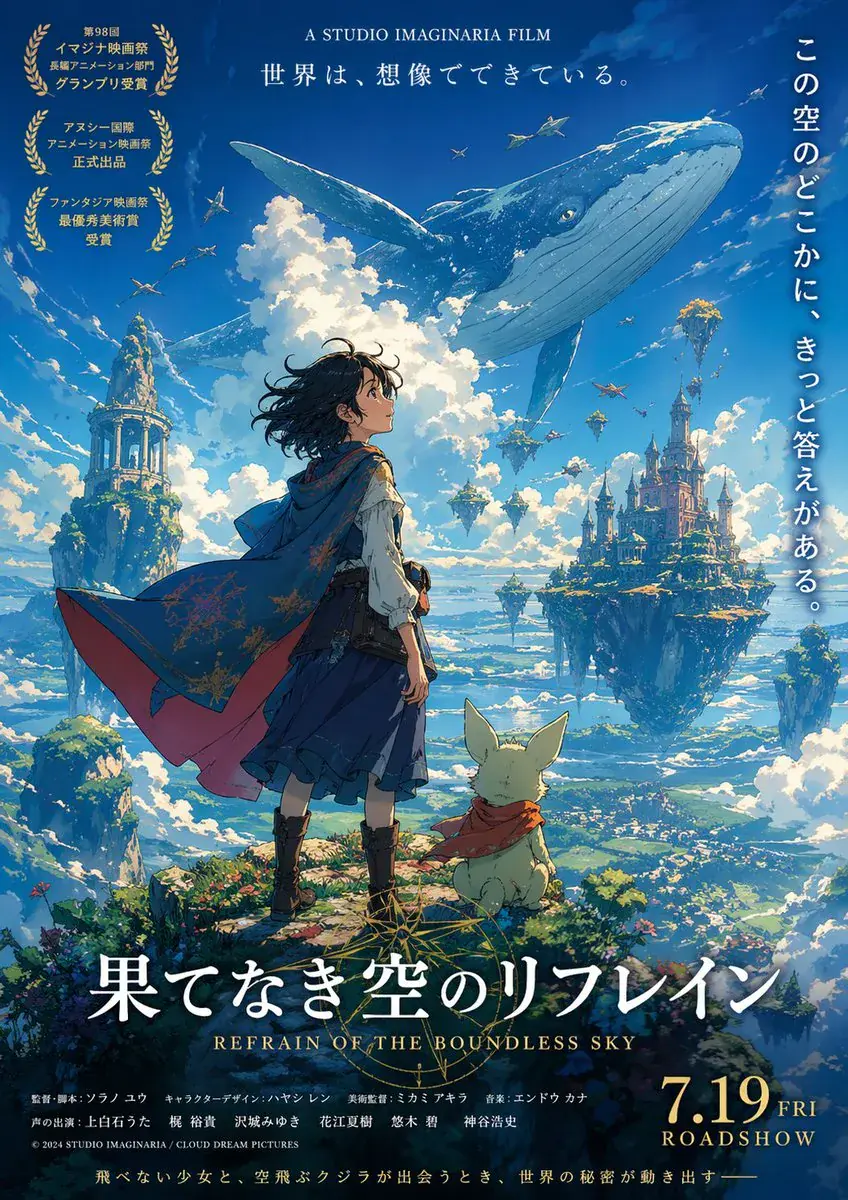
Explore what creators are building — from photorealistic product shots to concept art and typography design.
About the Model
What Is GPT Image 2?
GPT Image 2 is OpenAI's second-generation image model, released April 2026 as the successor to GPT Image 1.5. Built with native O-series reasoning, the gpt-image-2 model plans and verifies output before generating — resulting in sharper details, accurate multi-language text rendering (including CJK scripts), and faithful instruction-following that previous models couldn't achieve. Unlike traditional diffusion-based generators, GPT Image 2 reasons through complex prompts the way a designer would: understanding composition, lighting, and spatial relationships before putting pixels on canvas.
Getting Started
How to Use Our GPT Image 2
Enter Your Prompt
Describe your image in natural language. Our GPT Image 2 generator interprets layered instructions — subject, style, text, composition — in one pass.
Choose Quality & Size
Select aspect ratio. GPT Image 2 supports 1:1, 3:2, and 2:3 aspect ratios with up to 2K native resolution.
Generate & Download
Hit generate and get your result in seconds. Download in PNG or JPEG, watermark-free and ready for commercial use.
Pro Tip
For images with text, wrap the exact words in quotes in your prompt — it renders quoted text with 95%+ accuracy. Keep text under 15 words per image for cleanest results.
Testimonials
What Creators Say About GPT Image 2
“Finally, a GPT Image 2 generator that actually renders text inside images correctly. Saved hours of Photoshop cleanup on my marketing banners.”Sarah M., Digital Marketer
“I switched to this tool for product photography. The instruction-following is on another level — one prompt, one perfect shot.”James K., E-commerce Owner
“ChatGPT Image 2 lets me create professional social media graphics without any learning curve. The AI image generation quality is incredible.”Lisa T., Content Creator
Capabilities
Key Features of GPT Image 2
Near-Perfect Text Rendering
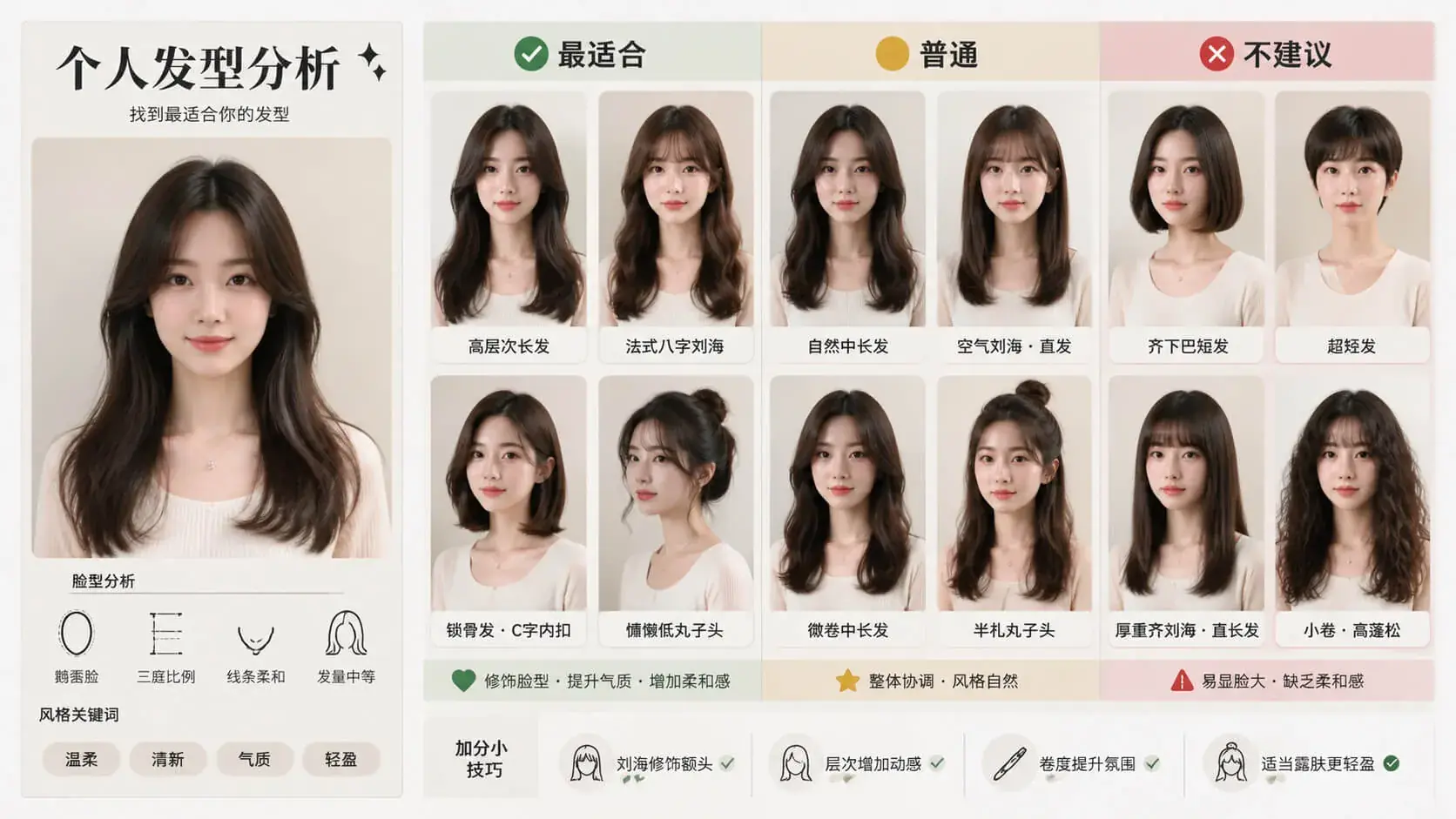
GPT Image 2 handles text inside images with 99%+ accuracy across Latin, Chinese, Japanese, and Korean scripts. Create posters, labels, and UI mockups with readable, correctly spelled text — something most AI image generation tools still struggle with.
Photorealistic Output
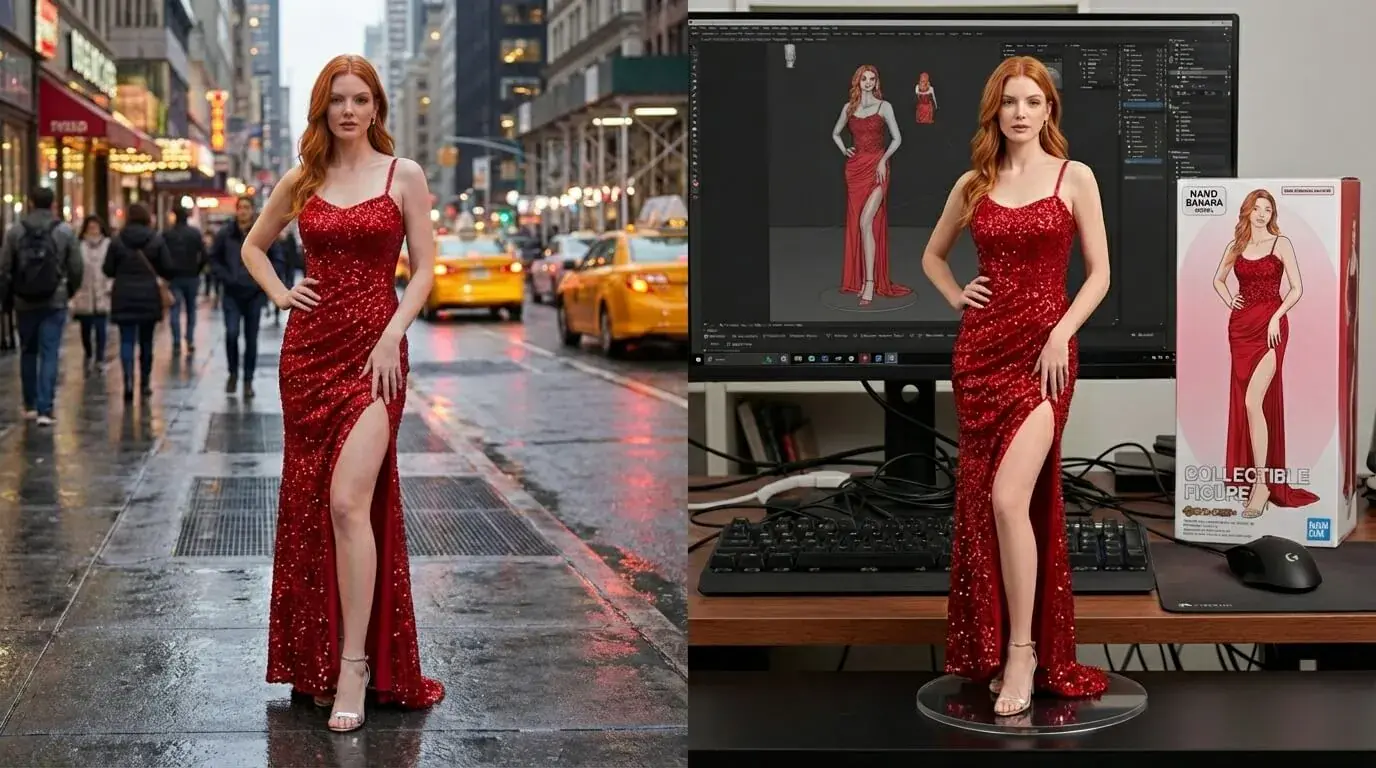
Generate images with natural lighting, accurate skin tones, and realistic material textures. The gpt-image-2 model eliminates the warm color cast of older generators — no more over-saturated colors or plastic-looking surfaces.
Reasoning-Powered Prompt Adherence
Describe 15+ elements in a single prompt and GPT Image 2 includes them all. The built-in reasoning layer understands spatial relationships, object hierarchy, and design principles before generating.
Image-to-Image Editing
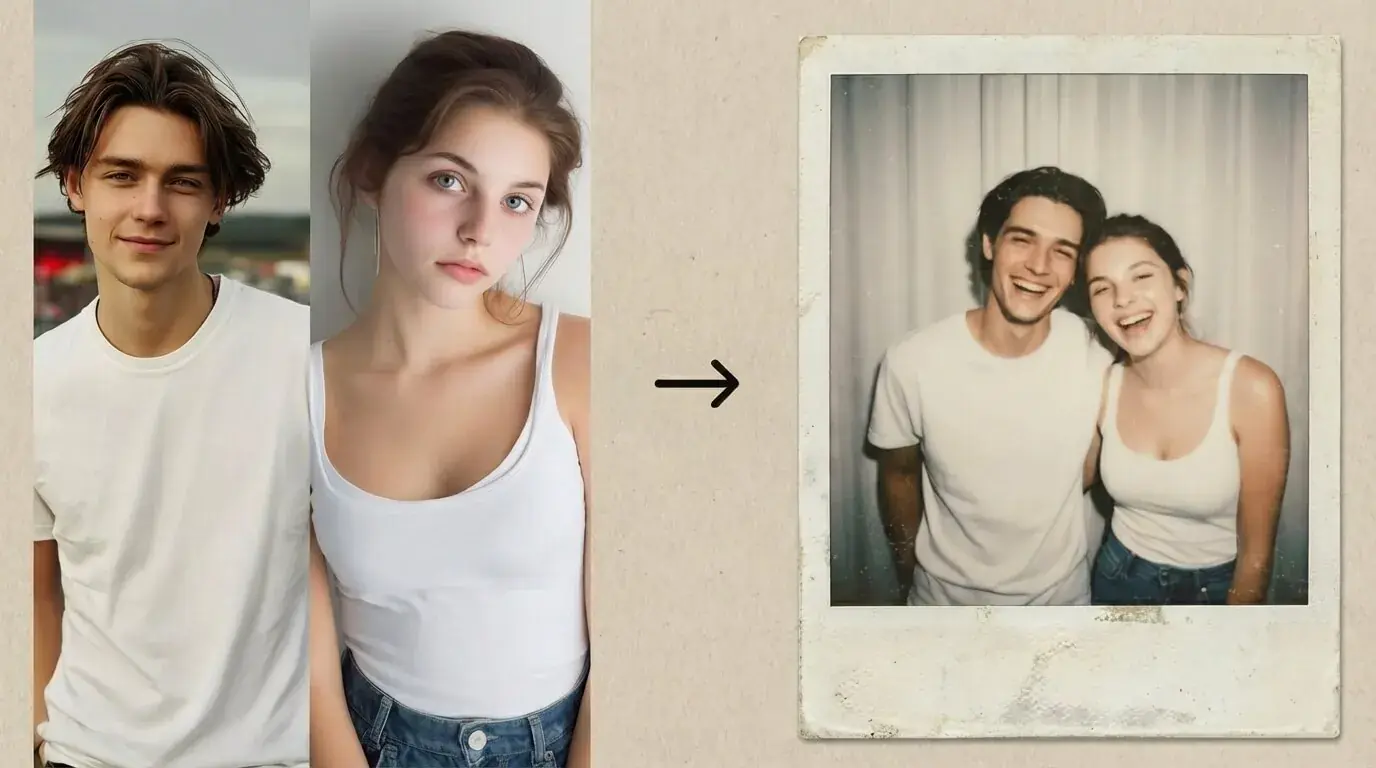
Upload a photo, describe what to change in plain English. It supports inpainting, outpainting, style transfer, and background replacement — no masks or layers required.
High Resolution Output
Our chatgpt image 2 platform generates native 2K images with optional 4K upscaling. Export in PNG, JPEG, or WebP format for any use case from social posts to print materials.
Don't cram 30+ words of text into one image — even GPT Image 2 performs best with concise copy. For dense layouts like infographics, set quality to “high” and keep each text block under 15 words.
Comparison
Why Use GPT Image 2 for Your Projects?
GPT Image 2 combines three capabilities that no single competitor matches: photorealism, accurate text rendering, and natural-language editing. While other tools force you to choose between aesthetic quality and text accuracy, our platform delivers both in one workflow.
| What Matters | GPT Image 2 | Other Tools |
|---|---|---|
| Text in Images | 99%+ accuracy | Frequently garbled |
| Prompt Adherence | Reasoning-powered | Keyword matching |
| Editing | Natural language | Masks & layers |
| Resolution | Up to 4K | Usually 1K |
| Pricing | Credit-based, transparent | Subscription lock-in |
Head to Head
GPT Image 2 vs Midjourney
How does it compare to Midjourney, the other dominant AI image model?
| Dimension | GPT Image 2 | Midjourney V8 |
|---|---|---|
| Text Rendering | 99%+ accuracy, CJK support | Limited, Latin only |
| Prompt Style | Natural sentences | Keyword chains |
| Image Editing | Built-in, natural language | No native editing |
| Artistic Style | Photorealistic by default | Strong aesthetic control |
| Access | Browser-based, no Discord | Discord required |
| Free Tier | Yes | No |
Bottom line: Choose GPT Image 2 when you need accurate text, faithful prompt-following, and integrated editing. Choose Midjourney when artistic style refinement is your top priority. Try the gpt-image-2 model free on Aggiii and decide for yourself.
Applications
GPT Image 2 Generator Use Cases
GPT Image 2 for Marketing & Ads
Create scroll-stopping social media graphics, ad banners, and email headers with accurate brand text and product imagery. The chatgpt image 2 model handles multi-element compositions — logo, tagline, product shot, CTA — in a single generation.
GPT Image 2 for E-commerce
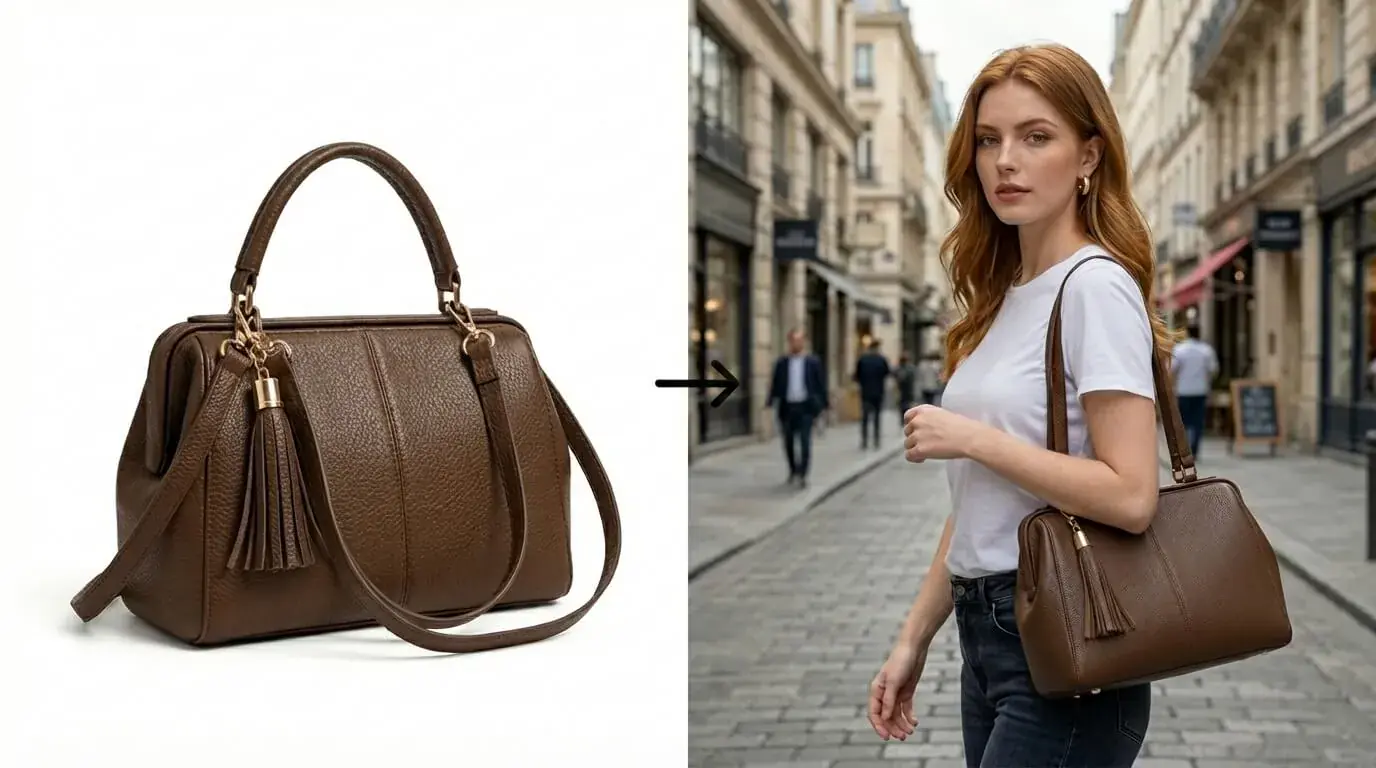
Generate product photography, lifestyle shots, and catalog images without a photo studio. Upload your product photo and let the AI place it in any setting — from minimalist white backgrounds to seasonal scenes.
GPT Image 2 for UI/UX Design
Produce realistic app screens, dashboard mockups, and website previews for pitches and stakeholder presentations. The gpt-image-2 model renders interface elements — buttons, text fields, navigation bars — with pixel-level accuracy.
GPT Image 2 for Content Creation
Generate blog featured images, YouTube thumbnails, podcast covers, and infographics with readable text and consistent branding. It adapts to any visual style from editorial photography to flat illustration.
Expert Advice
GPT Image 2 Prompt Tips
Be Specific About Camera and Lighting
Instead of "a photo of coffee," try "close-up product shot of a latte in a ceramic mug, 85mm f/1.4, soft window light from the left, shallow depth of field." GPT Image 2 responds to photographic language with remarkable precision.
Quote Your Text Exactly
When you need text in the image, wrap it in double quotes: "Sale Ends Friday." Keep text under 15 words and specify font style and placement. The chatgpt image 2 model renders quoted strings with near-perfect fidelity.
Edit Instead of Re-rolling
Don't regenerate from scratch. Upload your best result and describe only what to change. It preserves everything you don't mention, making iteration 3× faster than starting over.
Questions & Answers
GPT Image 2 FAQ
What is GPT Image 2?
It is OpenAI's latest AI image generation model, launched April 2026. It creates and edits high-resolution images from text prompts with industry-leading text rendering accuracy and photorealism.
How to use GPT Image 2?
Type a text prompt describing your image, choose quality settings, and click generate. Our GPT Image 2 generator produces results in seconds. You can also upload a photo and describe edits in plain English for image-to-image editing.
Is GPT Image 2 free?
Yes, it's free to try with no sign-up required. You receive free credits to start generating immediately. Additional credits are available at transparent, pay-as-you-go pricing.
What formats does GPT Image 2 support?
It outputs in PNG and JPEG at up to 2K native resolution (4K with upscaling). It supports 1:1, 3:2, and 2:3 aspect ratios for social media, landscape, and portrait use cases.
Is my data safe with GPT Image 2?
Your uploaded images and prompts are never stored permanently. All files are auto-deleted within 1 hour. The gpt-image-2 model processes your data in real time and discards it after delivery.
Why choose GPT Image 2 over alternatives?
It leads in text rendering accuracy (99%+), prompt adherence (reasoning-powered), and integrated natural-language editing. Combined with transparent credit-based pricing, it offers the best value for professional-quality AI image generation.
Try the Best GPT Image 2 Today
Stop wrestling with AI tools that can't spell. GPT Image 2 delivers photorealistic images with perfect text, every time. No sign-up required, no data stored.
Start Creating FreeExplore More AI Tools
Discover our full suite of AI tools for creative projects.